Smart Install Maker v5.04 + Key
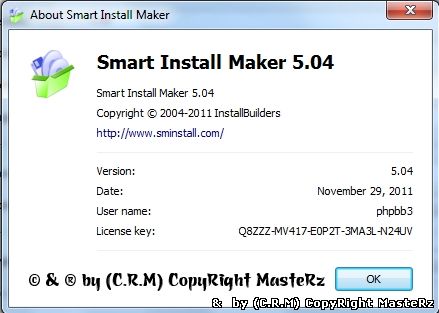
At last! There is now a much smoother and faster way to create setup files for easy installation of applications.
As a developer, you will no longer be bogged down learning complex installation programs or yet another awkward
scripting language. This guarantees hassle-free programming, quicker market delivery and ultimately a faster
turnaround with more satisfied users. Smart Install Maker enables the creation of a professional-looking,
custom-made setup file in just a few mouse clicks. The simplicity of Smart Install Maker means:
- No Scripts
- No brain twisters
- No unreasonable charges
Easy, customizable and expert-level setup files:
- Create smaller setup files with built-in Ñab compression. Smaller
size distributives are quicker to download and give users a better
installation experience.
- Control installation and uninstallation – decide the method, time
and contents of installation, modification or removal (including
registry, .ini and config files).
- Check system requirements automatically. If the current system does
not comply with the minimum requirements, the installer can notify the
user of the problem or automatically abort installation.
- Customize the installation environment and appearance of wizard
screens (eg add gradients or images to the window background, add header
image, logo image, etc).
- Customize screens for display during installation (eg license agreements, readme files, etc).
- Use the OS native language: automatically identify the language of
the target operating system and adjust the screen and message language
settings accordingly.
- Execute custom commands, operate with installer variables, verify passwords, customize uninstall, manage uninstall feedback.
- Ensure a clean uninstall with no leftovers or orphan files, folders, services or registry records.
- Create silent installations that do not display installation dialogs and messages.
- Cut development time. Avoid learning new languages or complex
software – get hold of the intuitive GUI and enjoy the speedy setup
creation process.
- Don't just pay for a brand name without power or quality! Although
Smart Install Maker is low cost, it does not offer useless features like
many other supposedly superior products.
| 